

Image Viewer
Discover how the Linux Image Viewer app simplifies photo viewing, metadata inspection, and quick image editing in our comprehensive editorial review.
Finding a lightweight yet capable tool to preview and refine your digital photos on Linux can transform your daily workflow. The Image Viewer photo app, crafted by the renowned GNOME Project, serves as a streamlined solution designed specifically for users who need to inspect and adjust their graphics without waiting for heavy editing suites to load.
The Primary Role of the Image Viewer Photo App
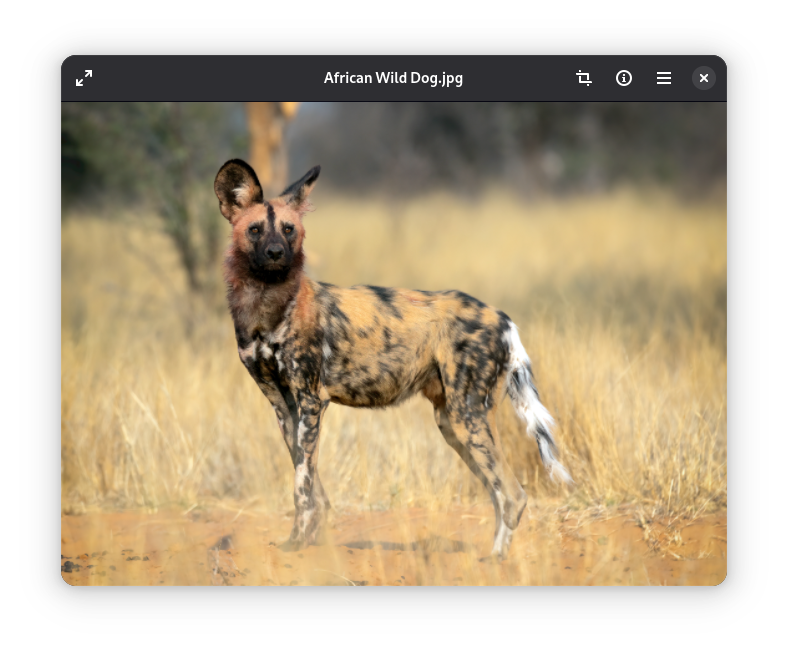
At its core, this utility is built for speed and clarity. When you open a graphic file, the Image Viewer photo app renders it instantly, maintaining crisp visual fidelity. It eliminates the clutter often found in design software, presenting your pictures in a clean, distraction-free environment that lets the visual content take center stage.
Essential Features for Quick Adjustments
While it prioritizes a minimalist footprint, this application does not shy away from essential utility. Users can perform several fundamental modifications directly within the interface:
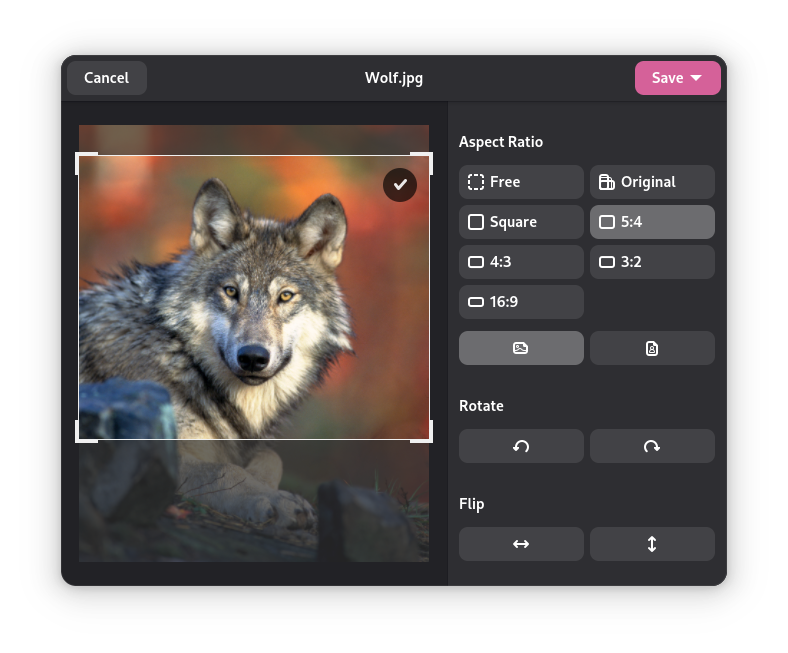
- Lossless Rotation: Quickly adjust the orientation of your photos to correct sideways or upside-down captures.
- Precise Flipping: Mirror your graphics horizontally or vertically with a single click.
- Intuitive Cropping: Trim away unnecessary outer edges to focus on the main subject of your shot.
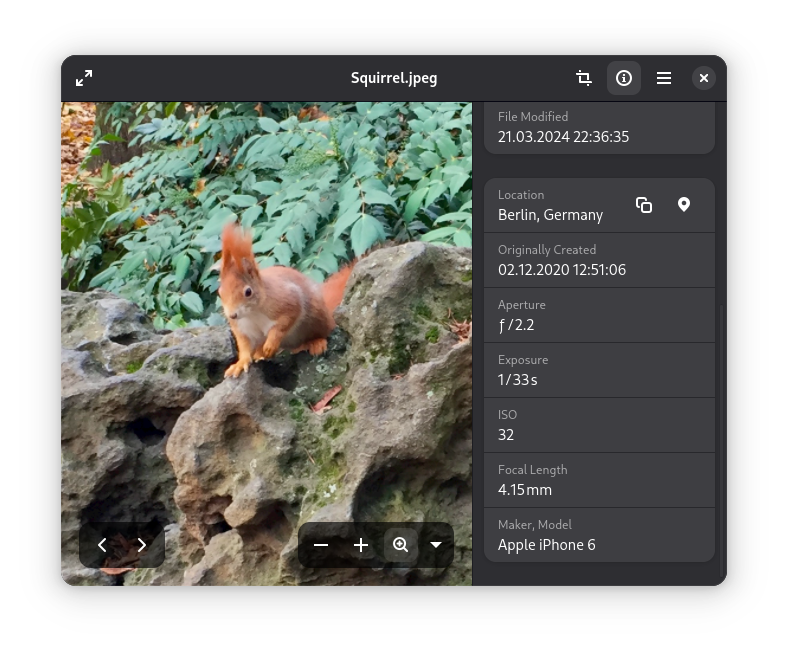
- Metadata Inspection: Read deep technical details embedded within your files, including camera settings, exposure data, and file dimensions.
Who Is This Linux Application For?
This software is tailored for Linux enthusiasts, content creators, and developers who require a dependable, native desktop tool to verify and tweak assets on the fly. Because it integrates seamlessly with the Linux desktop ecosystem, it provides a cohesive experience that feels natural to both system administrators and casual users alike.
Get the App From the Official Source
If you are looking for a reliable, fast, and open-source way to manage your local media files, this utility is an excellent choice for your setup. To integrate this tool into your desktop workspace, visit the official Flathub store page to obtain the application safely and securely.