Diarium Diary: Private Journal

Discover our comprehensive review of Diarium Diary: Private Journal for Mac. Learn how this secure, cloud-synced digital journal simplifies daily writing.
The Ultimate Solution for Effortless, Secure Daily Journaling
Finding a secure and feature-rich space to document your life can be a challenge. The Diarium Diary: Private Journal for Mac offers an elegant, distraction-free environment designed to help you cultivate a meaningful daily writing habit. Developed by Timo Partl, this versatile application goes far beyond basic text entry, serving as a comprehensive digital sanctuary for your personal memories, travel experiences, and daily reflections.
Unlike many contemporary journaling applications that lock your data behind recurring paywalls, this software stands out by offering a robust, ad-free experience. It is designed specifically for users who value data ownership and privacy, allowing you to maintain complete control over where and how your personal journal entries are stored.
Rich Media and Contextual Entries
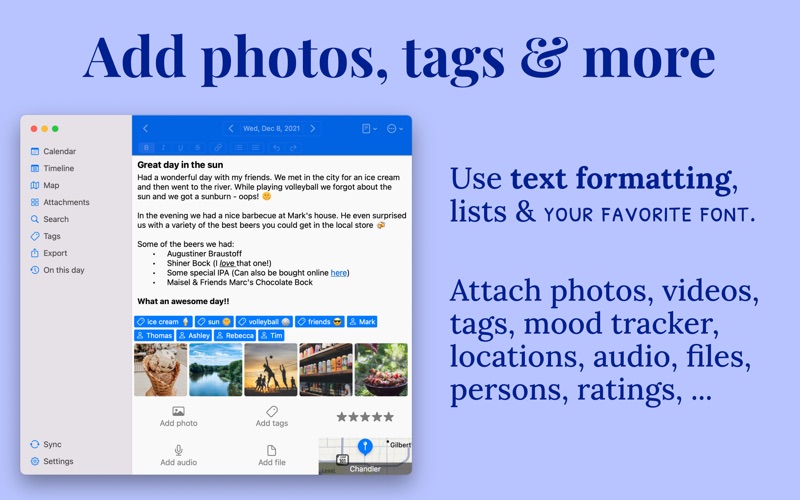
The Diarium Diary: Private Journal elevates self-reflection by allowing you to build highly detailed, multi-dimensional entries. You are not limited to plain text; instead, you can enrich your daily records with various media types and automatic contextual metadata:
- Multi-Media Attachments: Easily embed photos, hand-drawn sketches, audio recordings, and files directly into your entries.
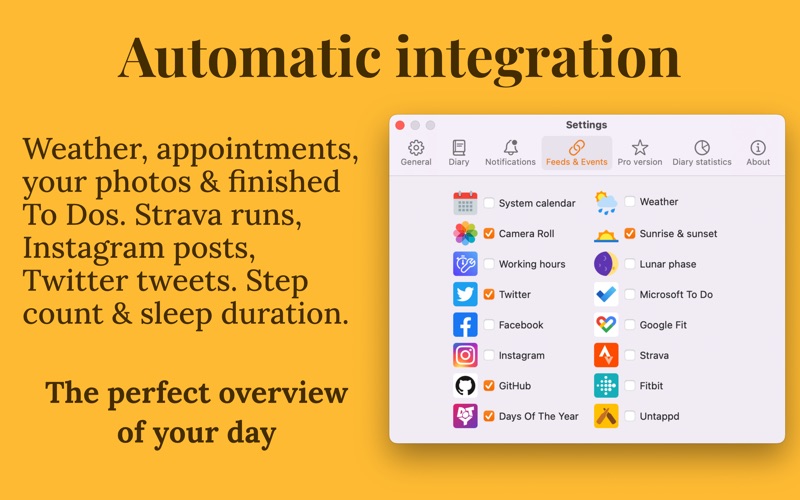
- Automated Context Integration: Save time by automatically importing information from your calendar events, local weather, daily workouts, and system photo library.
- Mood and Location Tracking: Log your emotional well-being using star ratings and view your travel memories plotted on an interactive map.
- Structured Formatting: Organize your thoughts using bullet-style lists, tags, and custom text formatting.
Uncompromising Privacy and Cross-Device Freedom
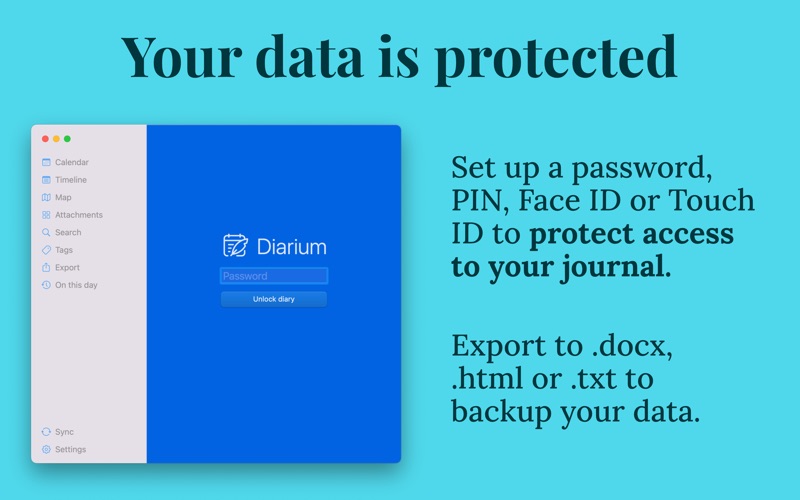
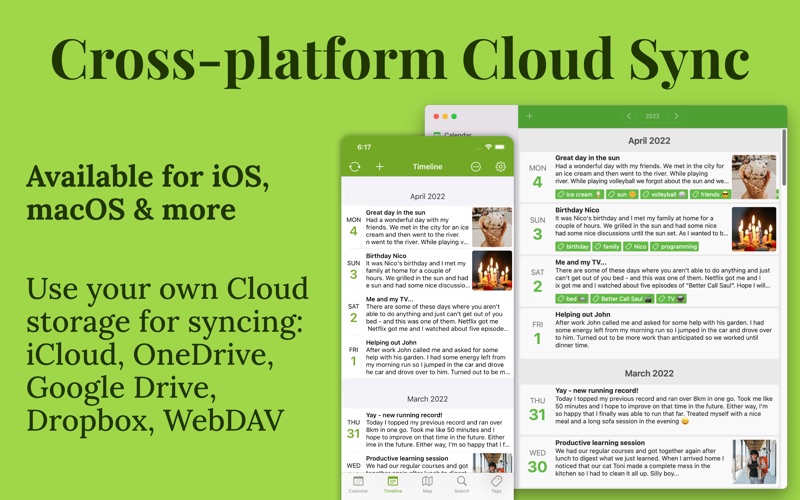
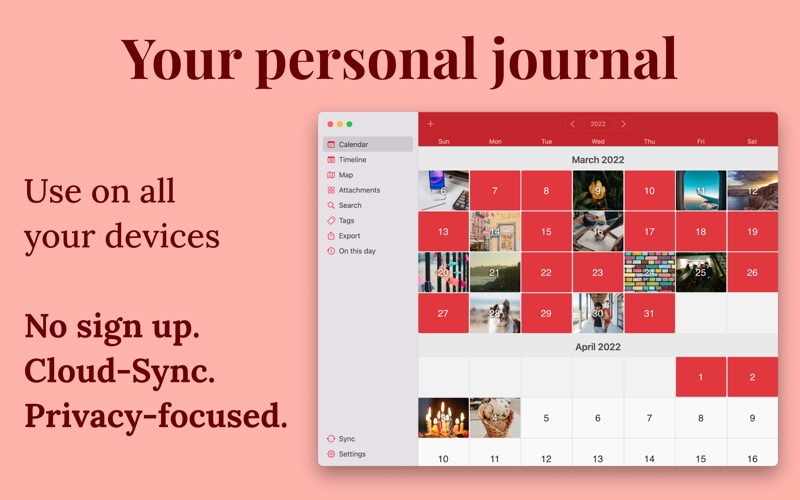
Security is paramount when keeping a digital diary. The application secures your sensitive thoughts with password, PIN, or Touch ID protection. For those who write across multiple devices, the Diarium Diary: Private Journal offers an optional synchronization feature utilizing your own personal cloud storage. Because there is no proprietary developer account required, you can seamlessly sync your database using trusted services like iCloud, Google Drive, OneDrive, Dropbox, or WebDAV.
Furthermore, transitioning to or from the platform is incredibly straightforward. The application supports direct data imports from major journaling platforms such as Apple Journal, Day One, Journey, and Daylio, while also allowing you to export your database into universal formats like Word, HTML, or JSON.
Is Diarium Right for You?
Whether you want to document your global travels, track your emotional trends, or simply establish a consistent gratitude practice, this application provides the tools to make journaling a seamless part of your routine. It is an ideal match for Mac users who demand a premium, secure, and highly customizable journaling experience without subscription fatigue.
To experience this sophisticated digital journal firsthand, visit the official Apple App Store to download the application on your Mac and begin your writing journey today.