

Kooha Screen Recorder
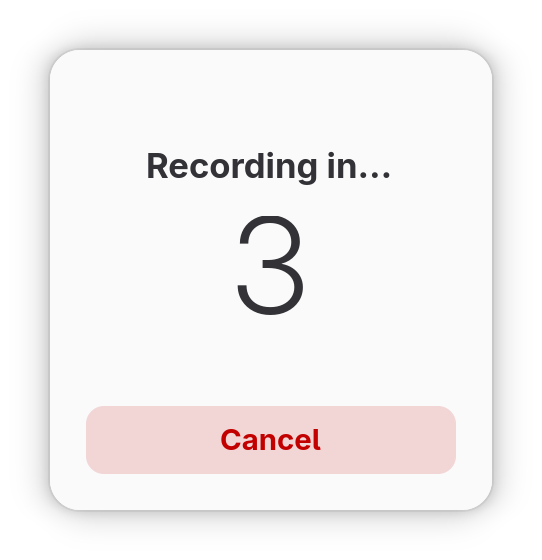
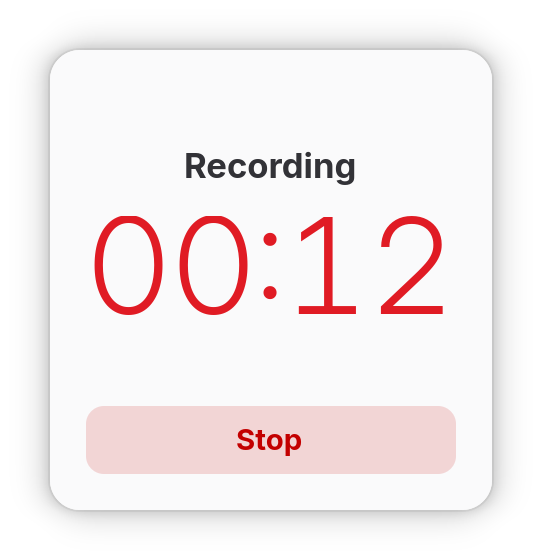
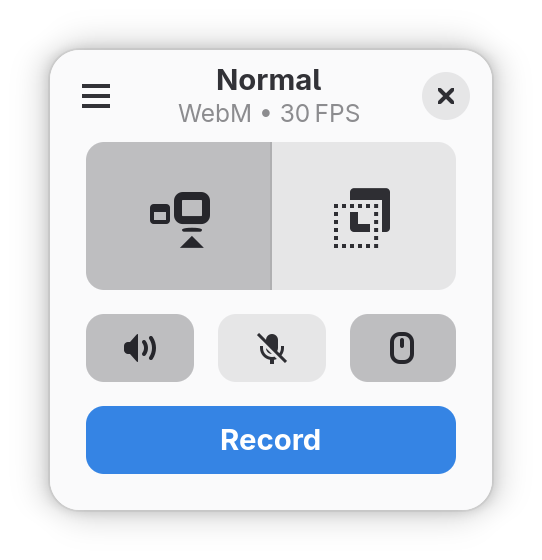
Discover Kooha, the minimalist Linux screen recorder. Read our review of its features, audio capture options, and lightweight performance.
When you need to capture your desktop activity, the last thing you want is to fight with a bloated interface or configure dozens of confusing options. The Kooha screen recorder is a dedicated Linux application designed to solve this exact problem by prioritizing speed, simplicity, and a distraction-free workflow.
What is the Kooha Screen Recorder?
Developed by Dave Patrick Caberto, Kooha is an open-source utility built specifically for the Linux platform. Instead of overwhelming users with complex menus, it presents a clean, minimalist control panel that lets you start recording your screen in just a couple of clicks. Whether you are creating a quick video tutorial, documenting a software bug, or saving a live stream, this application ensures the process remains entirely straightforward.
Key Features and Real-World Capabilities
Despite its lightweight appearance, the Kooha screen recorder offers all the essential features required for high-quality desktop capture:
- Flexible Audio Sources: You can choose to record your microphone, system audio (desktop sound), or capture both simultaneously to create seamless voiceovers.
- Multiple Output Formats: Save your recordings instantly in popular formats including WebM, MP4, GIF, and Matroska (MKV).
- Targeted Capture Area: Record your entire monitor or manually select a specific portion of the screen to focus only on what matters.
- Customizable Workflows: Adjust settings to show or hide your mouse pointer, set a custom delay timer before recording begins, change the saving location, and tweak the frame rate.
- Hardware Acceleration: Access experimental hardware-accelerated encoding to reduce CPU usage and improve performance during intensive tasks.
Who is this Screen Recorder For?
Kooha is an excellent fit for Linux users who value minimalist software that does one job perfectly. It is ideal for educators, software developers, and content creators who need to produce quick video demonstrations without the setup overhead of professional broadcasting suites. Its native feel on Linux desktops makes it a seamless addition to any productivity toolkit.
How to Try the App
If you are looking for an elegant, distraction-free way to capture your desktop, this utility is highly recommended. To explore its features firsthand and integrate it into your system, head over to the official Flathub store page to learn more about the Kooha screen recorder.