
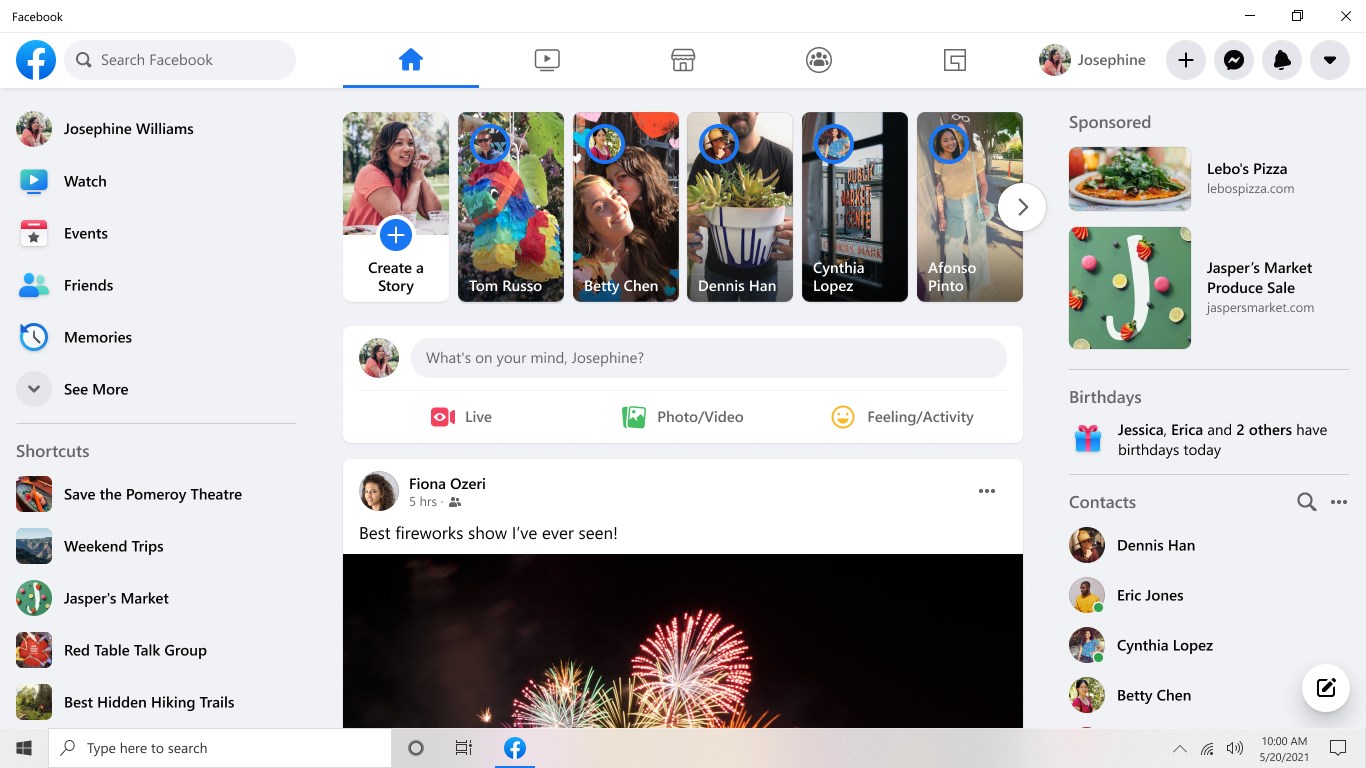
Read our comprehensive review of the Facebook social communication app for Windows. Discover how Meta connects you with communities, Marketplace, and watch.
A Desktop Window into Your Social World
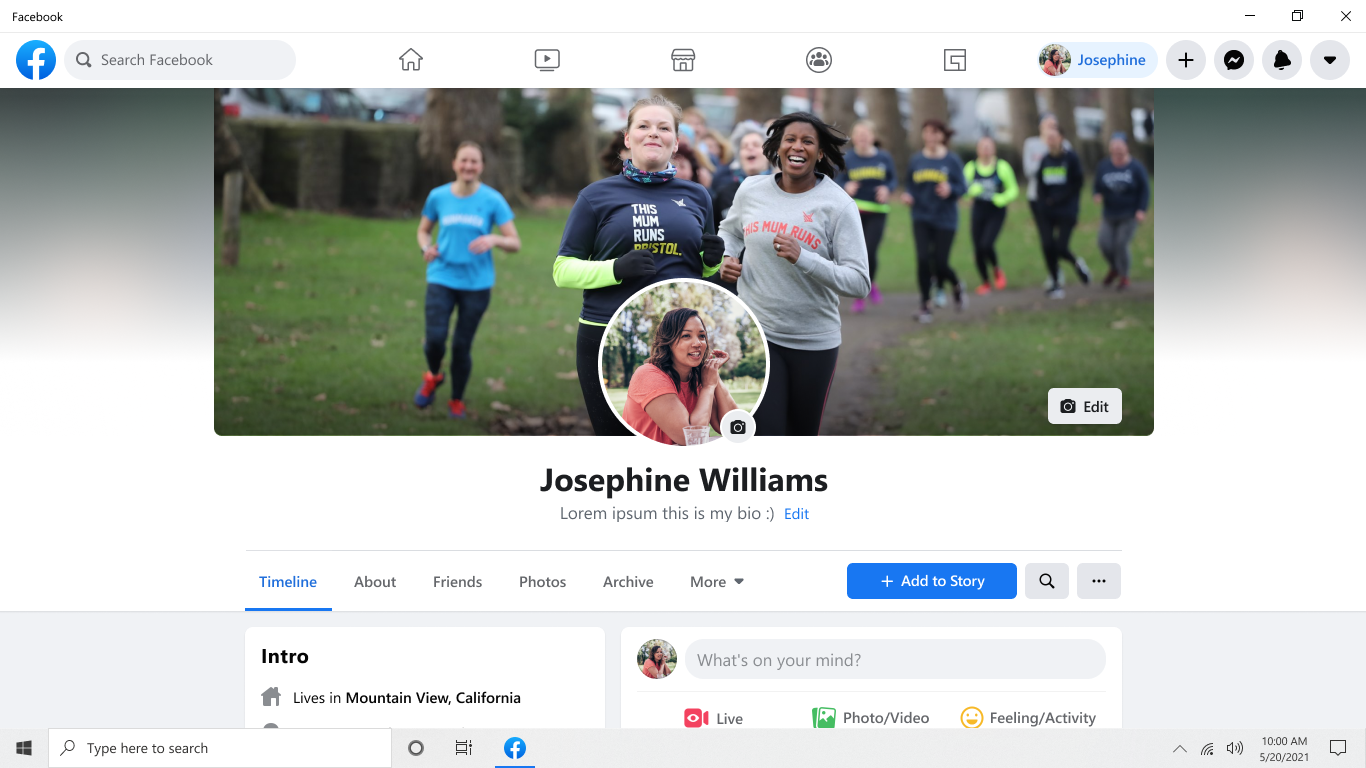
Staying connected with your social circles shouldn't require keeping dozens of browser tabs open. The Facebook social communication app for Windows brings your entire network directly to your desktop, offering a streamlined experience designed specifically for PC users. Developed by Meta, this dedicated application integrates seamlessly with your desktop environment, making it easier than ever to keep up with friends, family, and global communities without the usual browser distractions.
Key Features of the Desktop Experience
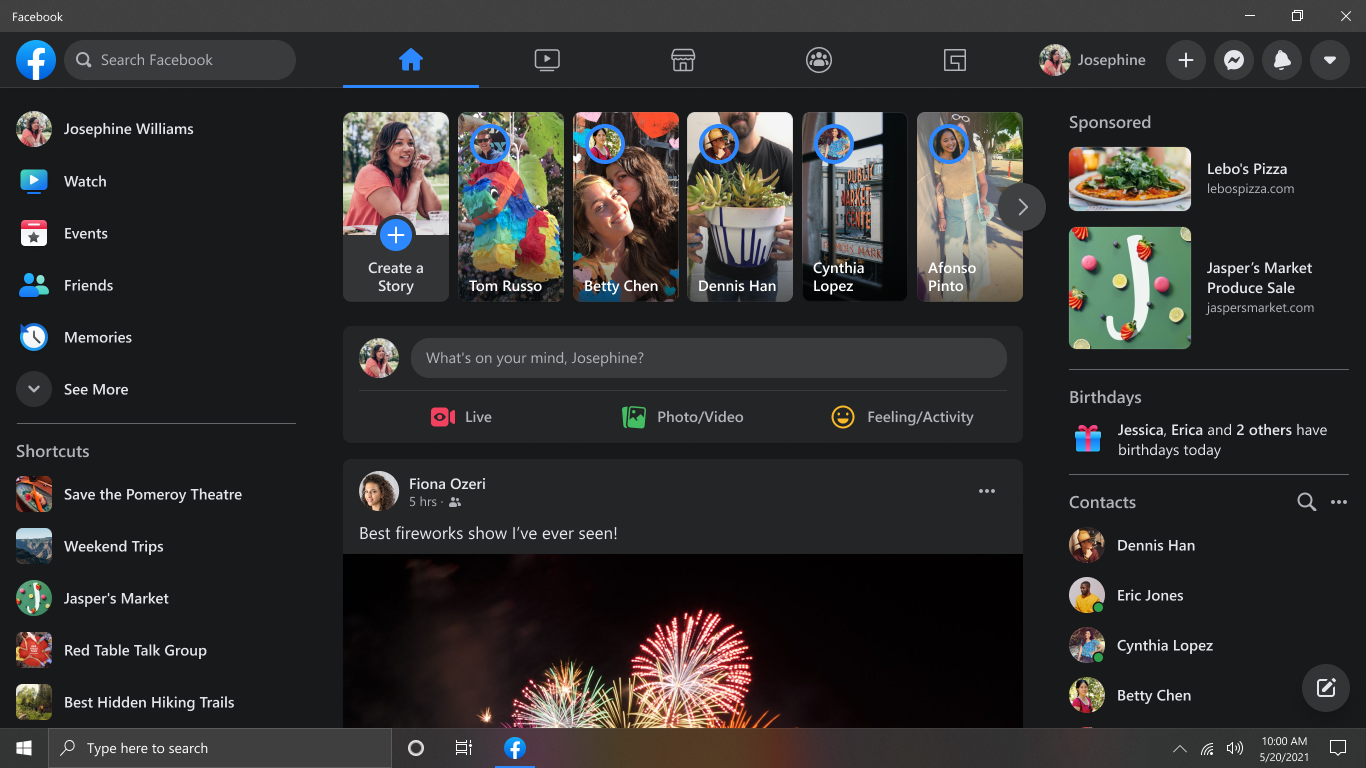
The desktop version of the platform translates the familiar web interface into a responsive, native-feeling application. Here is what makes the desktop experience stand out:
- Dedicated Spaces via Groups: Deep dive into your niche interests or coordinate with local clubs. The Groups feature organizes your communities so you never miss an update.
- Watch on a Bigger Screen: Enjoy original shows, creator content, and trending videos seamlessly on your monitor instead of a cramped mobile viewport.
- Local Commerce with Marketplace: Browse, buy, or sell items within your local neighborhood directly from your PC.
Who Is This Communication App For?
If you find yourself constantly distracted by browser tabs or want a more structured way to manage your social interactions while working on your Windows machine, the Facebook social communication app is tailored for you. It serves as an excellent central hub for families wanting to share media, creators looking to monitor their communities, and casual users who prefer a dedicated desktop client for their daily check-ins.
Pros and Cons
Pros:
- Fast, responsive interface optimized for Windows users.
- Reduces browser clutter by running in its own standalone window.
- Easy access to notifications directly through the OS system tray.
Cons:
- Requires a stable internet connection to sync real-time desktop notifications.
Get the App on the Official Store
If you want to streamline your social networking and keep your browser free for work, this dedicated desktop client is a fantastic addition to your workflow. You can read more user reviews and download the official version directly from the Microsoft Store.