

Some Media Player
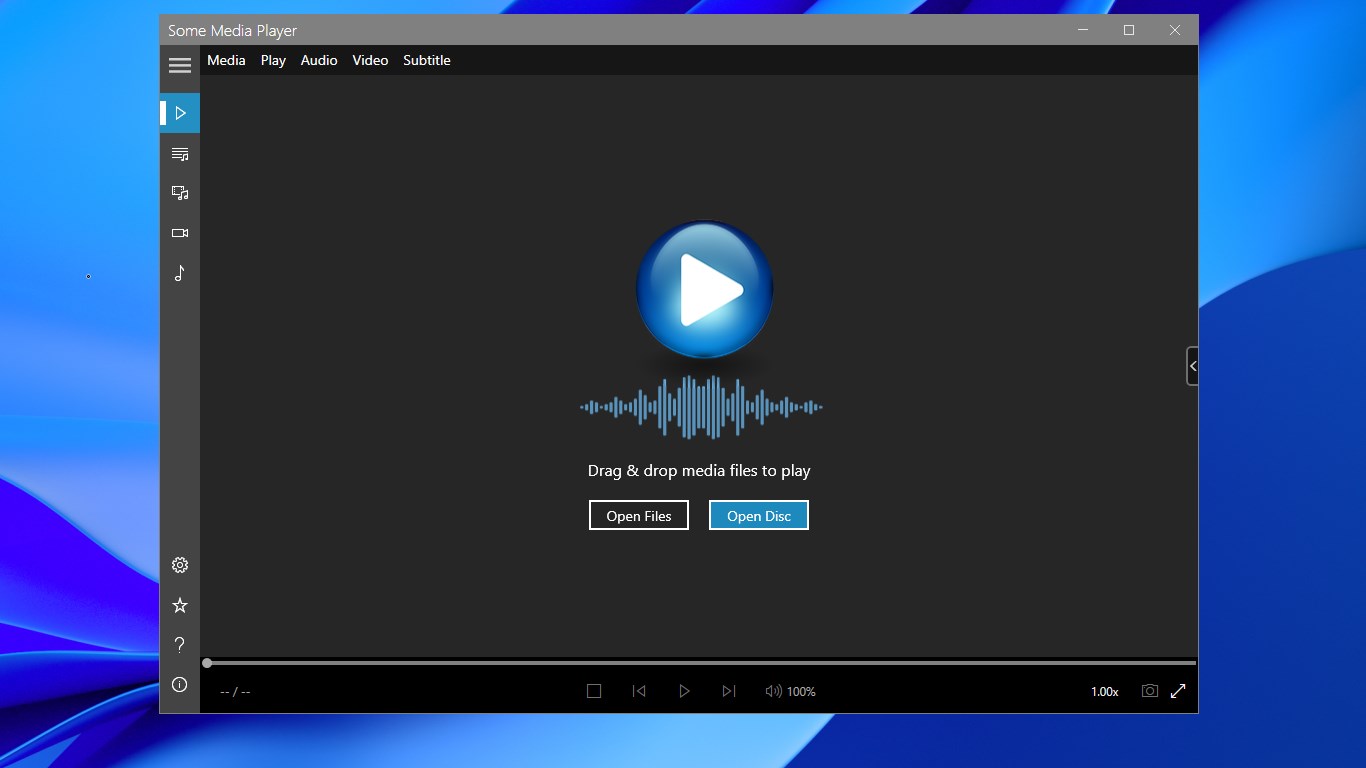
Read our comprehensive review of Some Media Player, a versatile Windows software built to handle almost any video format, audio file, and disc format.
Solve Your Format Compatibility Issues with Some Media Player
If you have ever struggled to open an old video file, a rare audio format, or a physical disc on your modern computer, the Some Media Player Windows media software is designed to solve exactly that problem. Developed by Some Media Apps, this robust application acts as a universal hub for virtually any media file in your library, eliminating the frustration of missing codecs and failed playback on Windows 10 and 11.
Unmatched Support for Formats and Physical Discs
The standout feature of this utility is its incredibly broad compatibility list. Unlike native operating system players that often require external codec packs, this software handles complex video and audio files out of the box:
- Comprehensive Video Playback: From standard MP4, AVI, and MKV files to legacy formats like 3GP, ASF, FLV, RMVB, and VOB.
- High-Fidelity Audio: Seamlessly play MP3, AAC, FLAC, M4A, OGG, WAV, and specialized formats such as AC3, DTS, and AIFF.
- Physical Media Support: Direct playback for DVDs, Blu-ray discs, CDs, and VCDs, making it a complete replacement for physical home players.
Smart Library Management and Custom Playlists
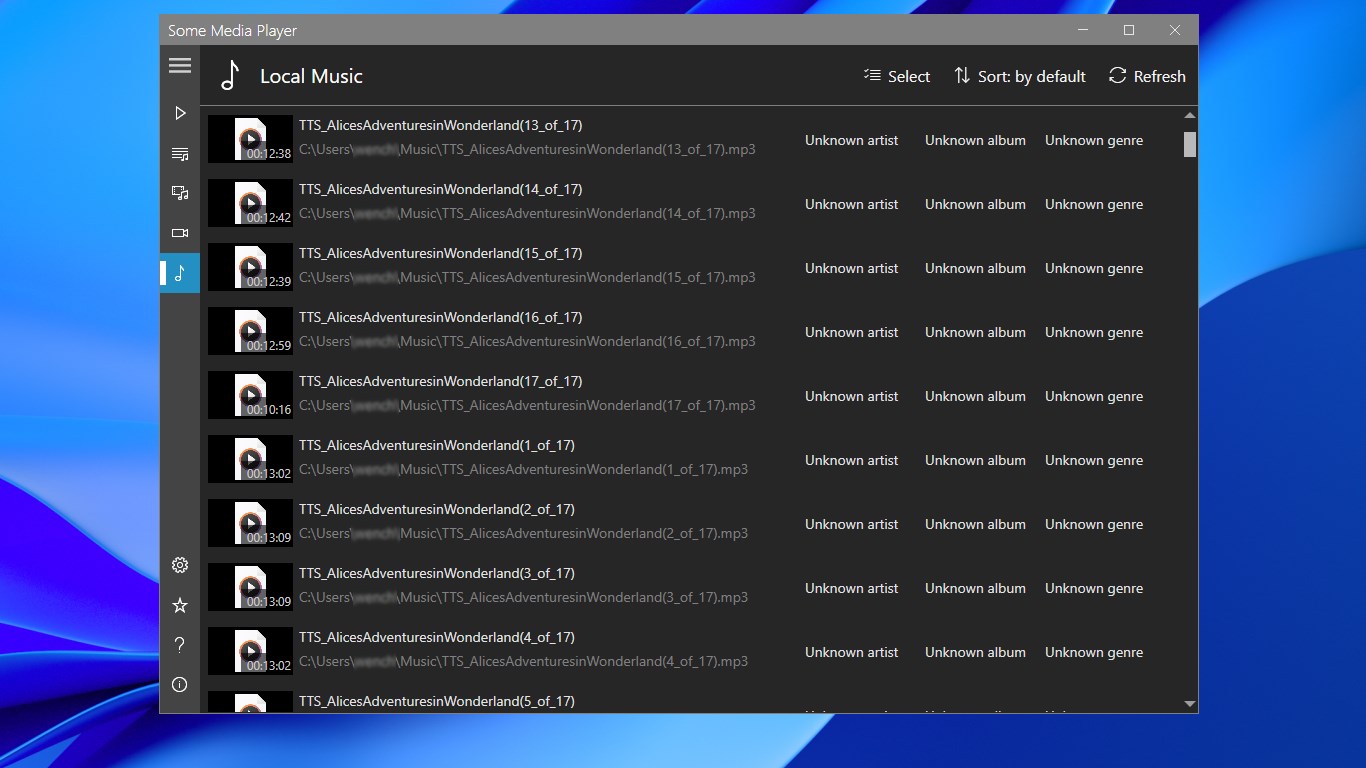
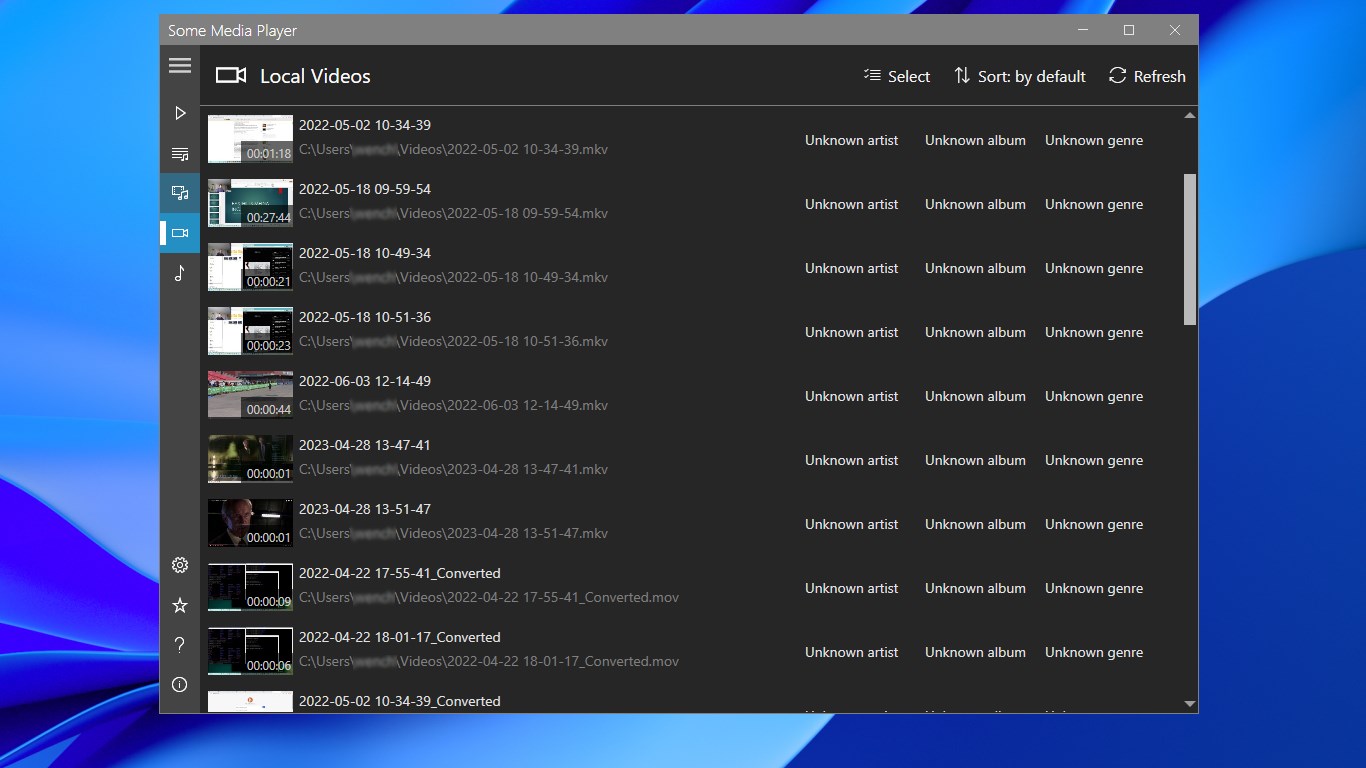
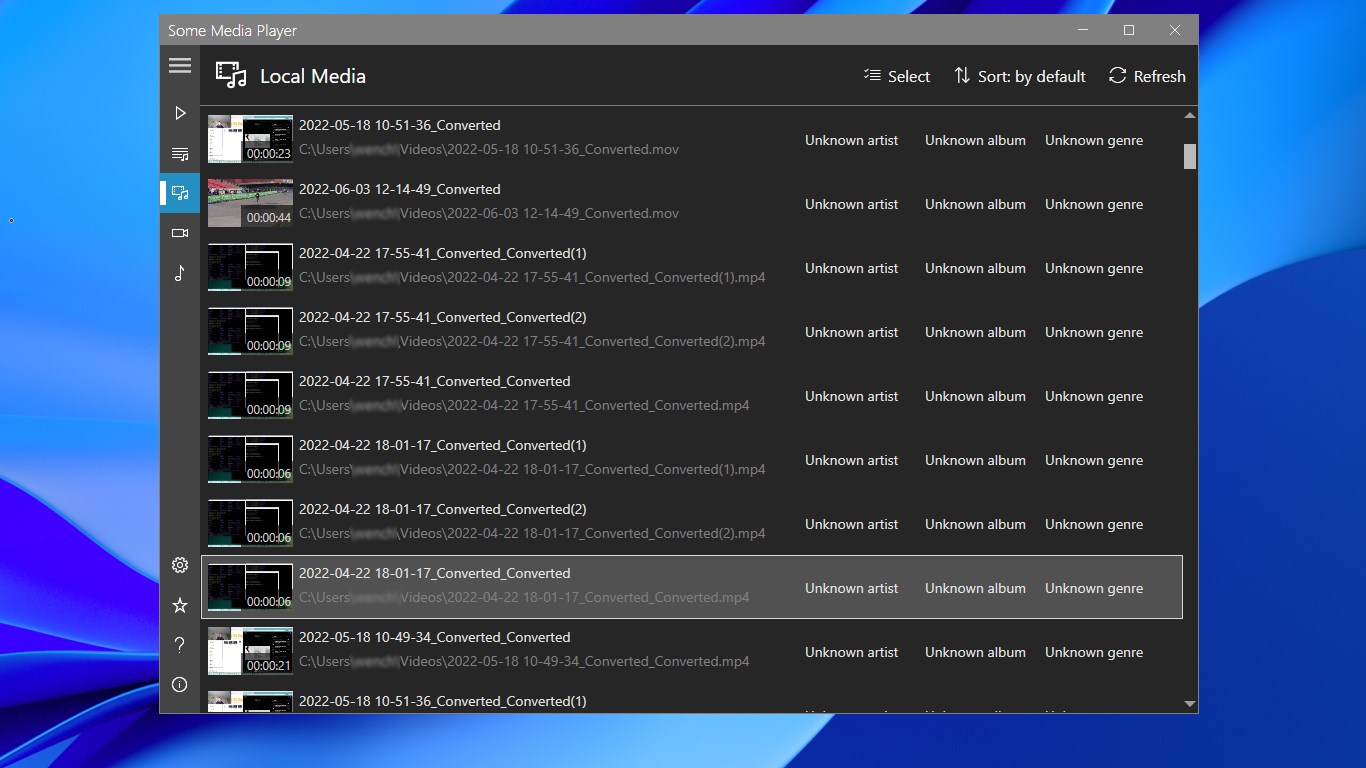
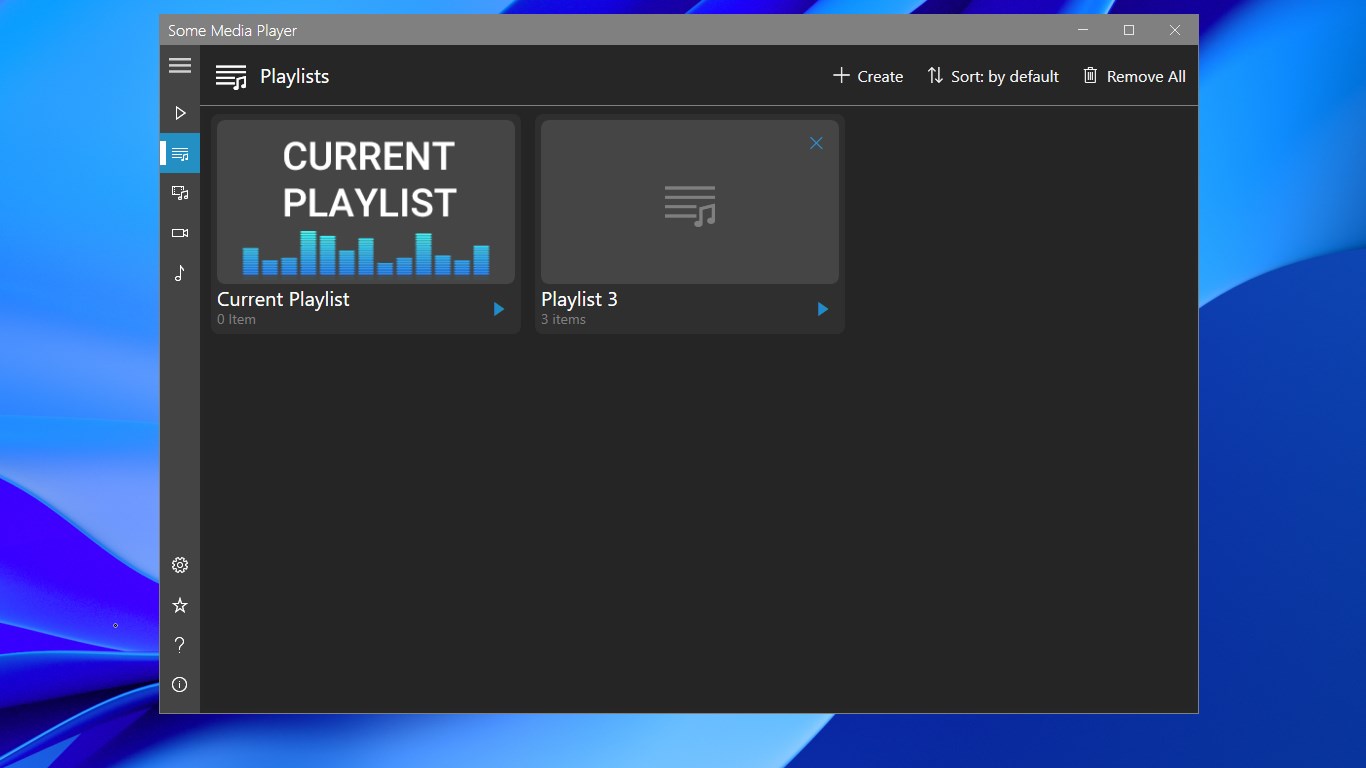
Beyond simple playback, the Some Media Player Windows media software features an intelligent Local Media scanner. With a single scan, the application indexes your local drives, automatically categorizing your files into dedicated Local Videos and Local Music libraries. This organization allows you to build highly customized playlists tailored to different moods, work scenarios, or entertainment setups without altering your original folder structures.
Consistent Database Updates
To ensure high-quality playback for physical media, the developer regularly updates the application's Blu-ray database on a monthly basis. This proactive maintenance ensures compatibility with newer commercial releases and minimizes playback errors on modern drives.
Is It the Right Media Solution for You?
If you need a reliable, lightweight, and versatile tool that handles local files and physical discs without requiring complex configurations, this software is an excellent candidate. To explore its capabilities and check compatibility with your current device setup, visit the official Microsoft Store to learn more about the Some Media Player Windows media software today.